
Discord Bot
A free Discord bot for casino streamers that auto-posts bonus hunt results, go-live alerts and giveaway draws, with XP ranks and levels that keep your server active.
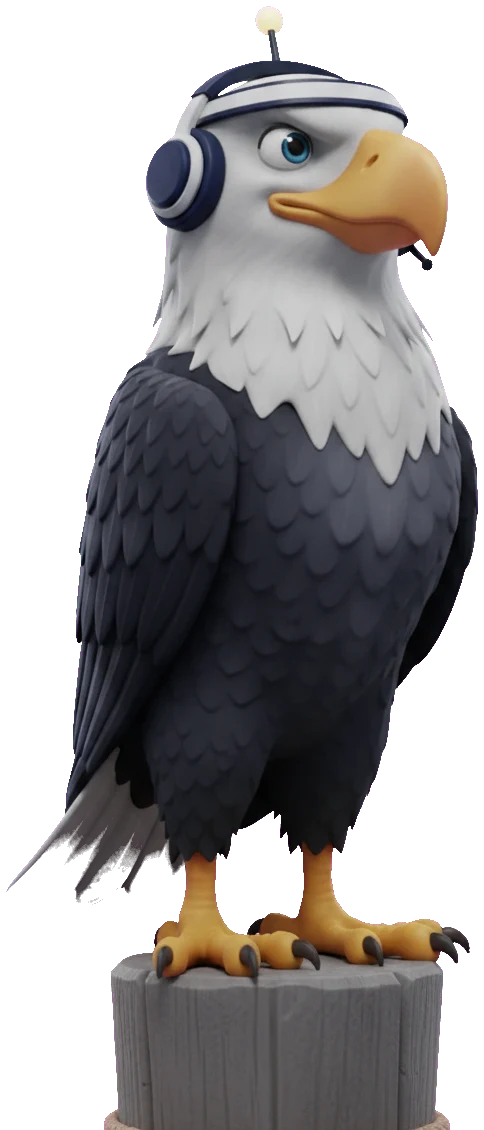

What it is
Most casino streamers keep their community in Discord between streams, which means Discord is where people find out you're live, what happened in the last hunt, and whether a giveaway has been drawn. Doing that by hand means it stops happening within a fortnight.
The CasinoHub bot posts it for you: go-live alerts the moment a stream starts on Twitch, Kick or YouTube, a recap when a bonus hunt finishes, and giveaway announcements as they're drawn.
It's configured entirely from your dashboard — you pick the channels, and there are no slash commands to memorise to set it up.
How it works on a real stream
Go-live alerts that aren't spam
When you go live, the bot posts an embed with the title, the platform and a link, into whichever channel you nominate. It reads the same live state the site's directory uses, so it fires once per stream rather than on every poll.
You choose the channel per platform, so a multistream doesn't produce three near-identical pings in the same place.
Hunt recaps with the full list
When a hunt closes, the bot drops a summary: bonuses opened, average multiplier, best hit, and profit or loss — with the full bonus list, so people who missed the stream can read what actually happened rather than a headline number.
This is the post that keeps a Discord alive between streams, and it's the one nobody has time to write manually.
Levels, ranks and tickets
The bot has an XP system: members earn experience for activity, level up, and can be granted roles at thresholds you set. A rank command returns a generated card with their level and position.
There's also a ticket system for support or entry requests, so a member can open a private thread with your mods without you building it yourself.
Posting as your own bot
Connect your own Discord application and every announcement, recap and rank card arrives under your bot's name and avatar instead of CasinoHub's — the same features, your branding in the server.
Slash commands give the server a way in as well: a viewer can ask for the current hunt or their own rank without leaving Discord, and the answer comes from the same data your overlay shows.
Questions streamers ask
What does the CasinoHub Discord bot do?
The CasinoHub Discord bot keeps your community engaged around the clock. It auto-posts casino offers, hunt announcements (including the full bonus list), go-live notifications when your stream starts, and runs giveaways — all delivered to the Discord channels you configure from your dashboard.
Does it work with Twitch, Kick, and YouTube?
Yes. The bot works alongside Twitch, Kick, and YouTube, so the moment your stream goes live on any of them it can send a notification to your chosen Discord channel — no manual cross-posting required.
Can the bot run giveaways in Discord?
Yes. You can run giveaways from CasinoHub and the bot posts the announcement to your configured channels, so your Discord members can take part without you having to manage the draw by hand.
Does the bot post my full bonus hunt list?
Yes. When you announce a hunt, the bot posts the announcement together with the full bonus list, so your community can see every bonus in the hunt directly in Discord.
Is the CasinoHub Discord bot free?
CasinoHub is free, so you can get started with the Discord bot at no cost.
It comes with everything else
One free account carries the whole toolkit — nothing here is behind a separate plan.